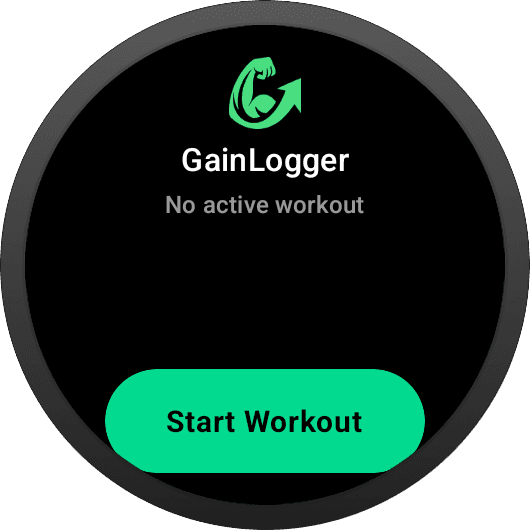
One Button. No Menus.
The entire idle screen is dedicated to one job: getting you into a workout. Open GainLogger on your watch and you land on a full-width Start Workout button — tap it with a gloved finger, mid-warmup, without looking. If a session is already running, the home screen jumps you straight back into it instead.
All Your Templates. One Swipe Away.
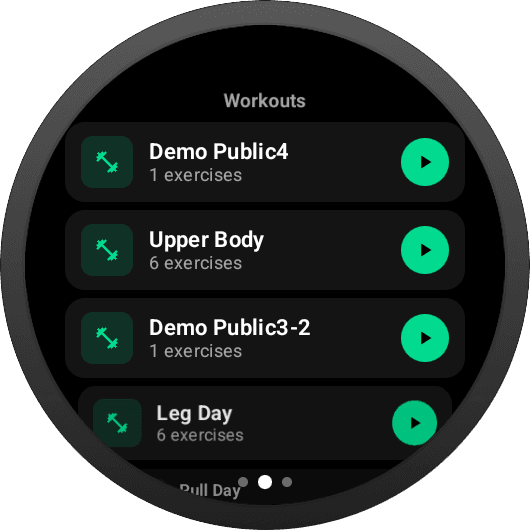
The first tab of the picker lists every template you've built — with exercise count, dumbbell icon, and a big green play button sized for lifting gloves. Scroll the list with touch (or a rotary input if your watch has one), tap play, and the session boots on-watch.
Smart Day Selection.
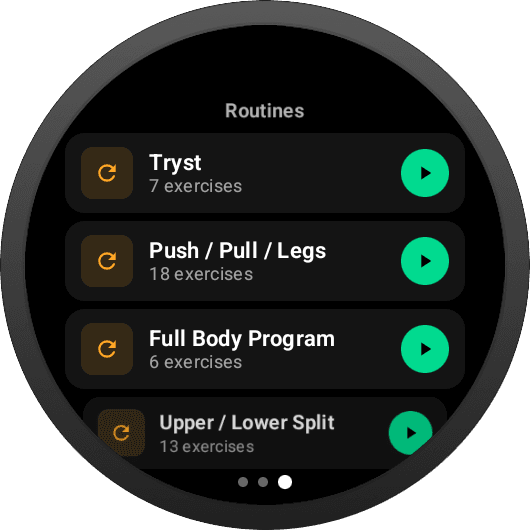
Swipe to the second page and your multi-day bundles appear — Push / Pull / Legs, Upper / Lower Split, full-body programs. The watch knows which day you're on and surfaces that template at the top, so you never guess between Tryst and Day 3.
Swipe Between Pages. Tap to Start.
The template picker is a horizontal pager — page dots at the bottom show where you are. Workouts on the left, Bundles on the right. Every tap target respects the round safe zone, so nothing important hides behind the bezel.
Ready to Lift?
Download GainLogger for free and start logging workouts from your Wear OS watch.