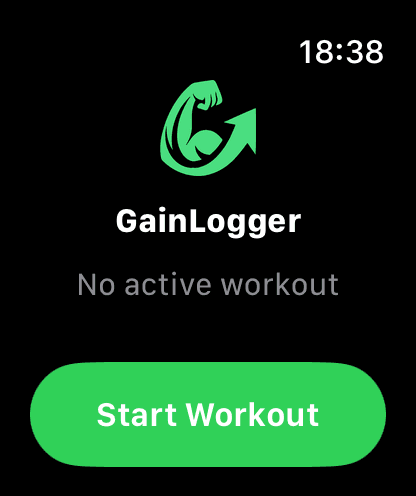
01 / Template Picker
Your Workouts. Ready to Go.
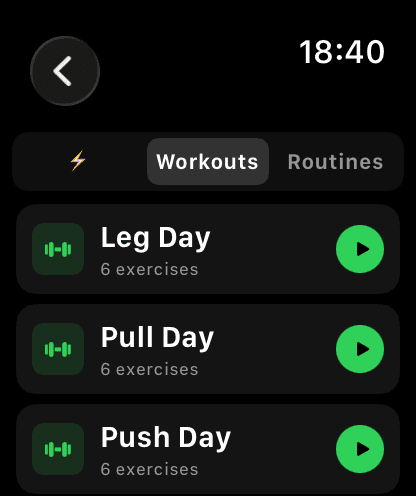
Tap 'Start Workout' and a 3-tab picker appears — Quick Start for your pinned favorites, Workouts for all your templates, and Bundles with smart day context. Everything synced from your phone.
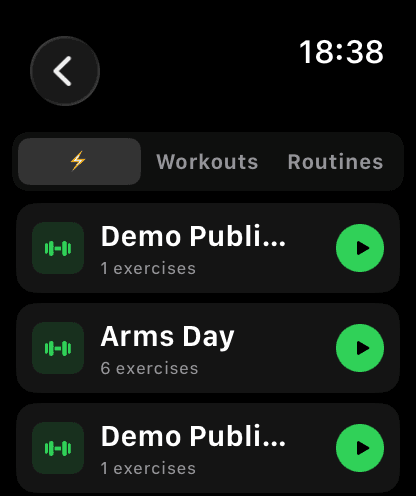
02 / Quick Start
One Tap to Start.
Pin your favorite templates on the iPhone home screen and they appear instantly in the Quick Start tab on your watch. Hit play and you're logging in seconds.
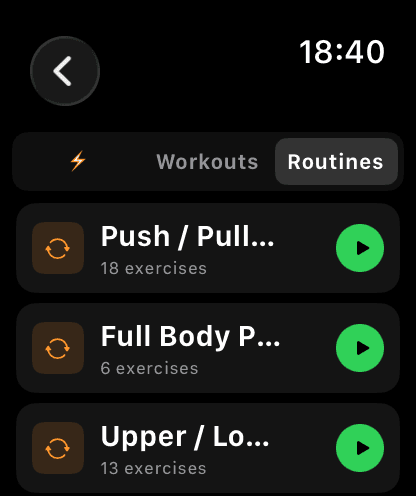
03 / Bundles
Smart Day Selection.
Your watch knows which day you're on in your bundle. See 'Push today' or 'Day A' right on the template row — no guessing, no phone needed.
04 / Seamless Handoff
Phone Builds. Watch Runs.
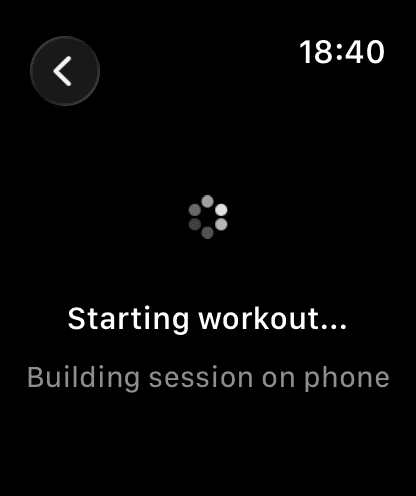
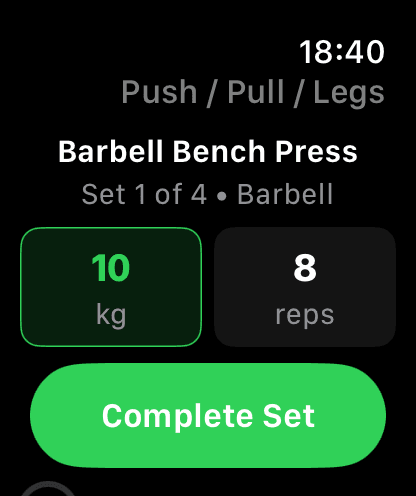
Tap a template and your phone instantly builds the session and pushes it to your watch. Within seconds you're on the active set view, ready to log.
Ready to Lift?
Download GainLogger for free and start logging workouts from your Apple Watch.