Finding the best gym app for Wear OS is harder than it should be. GainLogger is built for Android lifters who want a real smartwatch experience: a native Wear OS companion that logs every set and rep from the wrist, paired with auto-progression tools and deep analytics that make every session count.
What to look for in a gym app for Wear OS
The right Wear OS gym app needs more than smartwatch connectivity. These five criteria identify the features that actually matter for lifters who train with their Android watch.
- True native Wear OS interface — a genuine on-watch experience where you select exercises and log sets without mirroring your phone screen.
- Per-set strength logging — each set with its own reps and weight target, not just a workout timer counting down.
- Automatic progression — the app updates your target weight between sessions so you're always adding load without manual editing.
- PR tracking that covers wrist-logged sessions — every set you record on your watch should count toward your personal records, not just the ones logged on your phone.
- A free starting point — try real structured logging before committing to a subscription.
Best gym app for Wear OS: native wrist logging that actually works
GainLogger earns the title of best gym app for Wear OS by shipping a genuine native companion app — not a phone-mirrored display or a stripped-down step counter. You select a template, work through exercises, and log each set's reps and weight directly from your Android smartwatch, all without pulling your phone from your bag.
The on-watch logging flow matches the rhythm of a real gym session. Pull up your current program on your wrist, log set one with actual reps and weight, rest, then log set two — all from the watch. GainLogger covers both Wear OS and Apple Watch in one account, so your training history and templates work on either platform. For Android lifters, the Wear OS companion is a first-class experience with the same per-set logging that phone users get — every set logged from your wrist lands in your history and feeds your PR tracking the same as any phone-logged session. Explore GainLogger's full feature set to see how the watch experience connects to the broader analytics layer.
Automatic progression rules that update weights between sessions
Knowing the right weight to load every session is the hardest part of sustainable strength training, and automatic progression rules — a Pro feature — handle that calculation for you. You configure a target rep range, a progression increment, and the condition that triggers the increase; GainLogger updates your template after each qualifying session without any manual input.
This matters most for Wear OS users running structured programs. When you start a session from your watch, the target weights already reflect your last progression. Hit your reps, finish the session, and the app schedules the increase for next time. There is no spreadsheet open on the bench beside you and no mental arithmetic between sets — just the correct target, already loaded in your template. Whether your program is linear 5x5, a double-progression scheme, or a rep-range wave approach, progression rules remove the friction of remembering what to add and when.
Auto PR detection and a Records Hub that catches every milestone
Manually tracking personal records is unreliable — one missed note means you never know if that last set was actually a new best. GainLogger's auto PR detection and milestones (Pro) solves this by comparing every logged set against your full training history the moment you close a session. Whether the new best came from your phone or your Wear OS watch, the Records Hub catches it automatically.
The Records Hub organizes every PR by exercise and builds a milestone timeline that marks significant training events alongside raw strength numbers. Milestones layer in achievement-style recognition for long-term goals — first session of a new lift, hitting a cumulative volume threshold, or logging a target number of total workouts. Everything is derived from session data you've already entered, with no extra logging required. For lifters training frequently across multiple devices, a single source of truth for every PR across phone and watch sessions is a concrete advantage.
Per-exercise progress charts and workout analytics for Android lifters
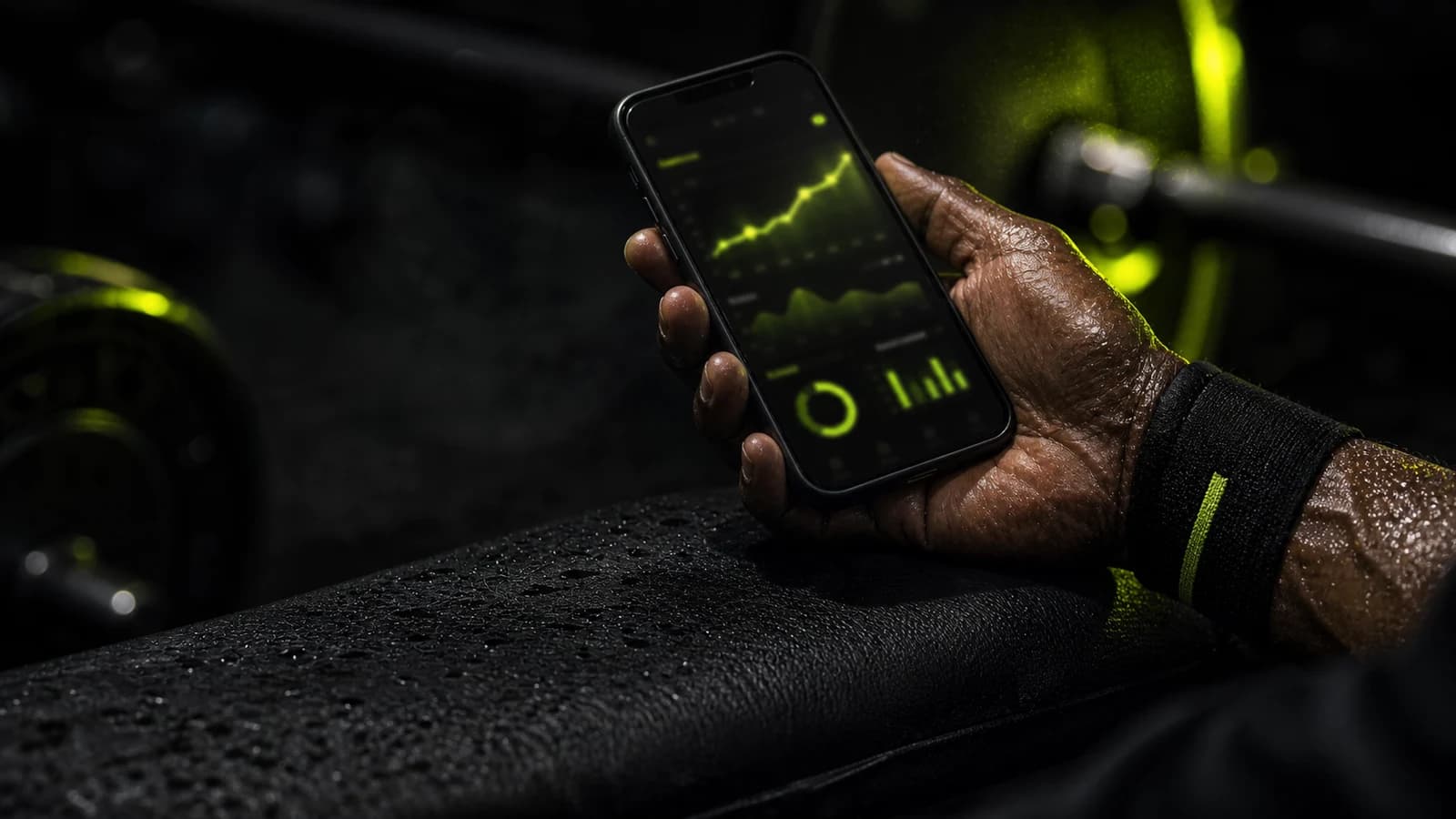
Seeing whether your training is actually producing results is the difference between a well-designed program and months of guesswork. GainLogger's per-exercise progress charts (Pro) plot volume, estimated one-rep max, and top sets for every exercise in your history, session by session. Pull up your bench press chart and see exactly where your load stalled, where it jumped, and how your estimated max has moved over the past several months.
Workout analytics (Pro) zoom out further — total session volume, weekly frequency trends, session duration, and muscle group coverage across your entire training history. Sessions logged on Wear OS feed the same charts as sessions logged on your phone. The analytics engine treats every session identically regardless of logging surface, so Android lifters who train primarily from their wrist still get a complete picture of their output over time.
Free core logging — and what Pro adds
GainLogger starts free with no credit card required. The free tier is a genuine workout logger that covers the fundamentals for anyone getting started.
| Feature | Free | Pro |
|---|---|---|
| Workout logging | Yes | Yes |
| Wear OS companion app | Yes | Yes |
| Workout templates | Up to 3 | Unlimited |
| Session history | Up to 10 sessions | Unlimited |
| Custom exercises | Up to 3 | Unlimited |
| Workout bundles | 1 | Unlimited |
| Community template browsing | Yes | Yes |
| Per-exercise progress charts | — | Yes |
| Workout analytics | — | Yes |
| Muscle balance analytics | — | Yes |
| Auto PR detection + milestones | — | Yes |
| Automatic progression rules | — | Yes |
| HD demo videos | — | Yes |
| Template sharing | — | Yes |
| Supersets | — | Yes |
Pro is available on annual or monthly billing, with a 14-day free trial included. See GainLogger's free and Pro plans for current pricing.
Who is GainLogger best for?
GainLogger fits a specific type of lifter: someone who trains with structure, wants data, and would rather spend time under the bar than managing a log. The Wear OS companion makes that possible on Android smartwatches.
- Android lifters with a Wear OS watch — log sets from your wrist during heavy compound work without holding your phone between sets.
- Strength trainers running structured programs — follow linear progression, wave loading, or a rep-range scheme and have target weights update automatically between sessions.
- PR-focused lifters — every new best is caught and organized without a spreadsheet, on any device you log from.
- Beginners who want to start free — free logging with up to 3 templates and 10 sessions of history is enough to build the habit and evaluate whether GainLogger fits your training.
Frequently asked questions
Does GainLogger have a Wear OS app?
Yes. GainLogger ships a native Wear OS companion for Android smartwatches. You can browse your templates, log sets with per-set reps and weight targets, and complete full sessions from your wrist. Sessions logged on Wear OS feed the same history, PR tracking, and progress charts as sessions logged from your Android phone — no set goes unrecorded.
Is the GainLogger Wear OS app free to use?
The Wear OS companion is available on both free and Pro. Free users can log workouts from their wrist using up to 3 templates and 10 sessions of history. Pro unlocks unlimited templates and history plus advanced features including auto PR detection and milestones, automatic progression rules, and per-exercise progress charts, with a 14-day free trial on the annual plan. See the free and Pro plans for pricing.
What smartwatches does GainLogger support?
GainLogger supports both Wear OS (Android smartwatches) and Apple Watch (iPhone). Both companion apps offer independent wrist-based logging with per-set reps and weight. If you are on Android with a compatible Wear OS watch, you get the same first-class set-logging experience that Apple Watch users have on iOS.
Can I log a full workout on my Wear OS watch without my phone present?
Yes. The Wear OS companion can start and finish complete sessions without your phone nearby. You select a template on your wrist, log each set, and close the session — all from the watch. This is useful for heavy sessions where keeping focused means leaving your phone in your bag rather than pulling it out between every set.
Bottom line
For Android lifters searching for the best gym app for Wear OS, GainLogger delivers exactly what the use case demands: a native Wear OS companion that captures per-set data from the wrist, automatic progression rules that remove the guesswork from weight selection, and a full analytics suite that treats every wrist-logged session as a first-class data point. Start free on Android — and explore GainLogger's full feature set when you're ready to go deeper.
Keep reading
- the best workout tracker for Apple Watch and Android
- our GainLogger Apple Watch review
- the complete GainLogger review
Last updated July 2026.
Start tracking your workouts today
Available for free on iOS and Android.