5x5 training lives and dies by the weekly weight bump. Miss a session, forget to log the increment, and the micro-progression chain falls apart. GainLogger is the best app for 5x5 workout tracking because it handles that progression automatically — calculating your next working weight every session so you show up, lift, and let the app handle the math.
What to look for in a 5x5 workout tracking app
A general-purpose logging app records what you did. A genuine 5x5 tracker automates what comes next: weight calculations, PR detection, and progress visualization across months of linear gains. Five criteria separate the two:
- Automatic load progression — 5x5 demands adding weight every successful session; any app that makes you calculate the next load manually is adding friction where there should be none.
- Auto PR detection — linear progression fires new personal records nearly every session in the early months; a tracker that misses them is missing the whole point of the program.
- Per-exercise progress charts — a 12-week squat trend line tells you more than a column of raw numbers; visual feedback confirms that linear progress is actually happening.
- Wrist-based logging — rest periods between heavy 5x5 sets run 3 to 5 minutes; logging from your watch keeps attention off the phone during that window.
- A/B day template support — classic 5x5 alternates two sessions; the tracker needs to handle both as distinct templates inside one program structure.
Automatic weight progression — the core of any 5x5 tracker
In a 5x5 program, the working weight increases every successful session — 2.5 kg for upper-body lifts, 5 kg for squat and deadlift — until you stall. Managing those increments manually across two alternating templates and multiple movements is a reliable source of long-term error. GainLogger's automatic progression rules remove that variable entirely.
The setup takes about a minute per exercise: define the success condition (all 5 sets of 5 reps completed at target weight), enter the weight increment, and optionally set a deload rule for failed sessions. After that, every time you check the box on your squat, bench, or row, GainLogger writes the new working weight into the next session automatically.
On the gym floor, this means you walk in and the target weight is already there — no arithmetic, no second-guessing last week's log. On a failure day, the app holds the weight or applies a percentage deload according to the rule you configured. For a program where one miscalculated session disrupts weeks of momentum, having the progression loop closed automatically is the single most valuable thing a 5x5 tracker can do.
Auto PR detection that captures every strength best
Personal records accumulate fast during the linear phase of a 5x5 program — in the first three to four months, a new squat, bench, or deadlift best is a near-weekly event. GainLogger's auto PR detection and milestones catches every one the moment you log the completing set, without any manual flagging.
The records hub tracks each exercise across multiple rep ranges: 1-rep best, 3-rep best, 5-rep best, and beyond. For a lifter working exclusively in the five-rep range, a new 5RM record fires every successful session during the linear phase — and GainLogger surfaces each one as an in-app milestone the instant it happens.
Beyond the session-level recognition, those records accumulate into a visible history that makes the grind of a slow, methodical program feel concrete. When progress is measured in 2.5 kg increments over months, a system that records and displays each step — "new 5-rep squat best: 100 kg" — keeps the feedback loop intact and makes it obvious the program is doing exactly what it promises.
Per-exercise progress charts that show the actual climb
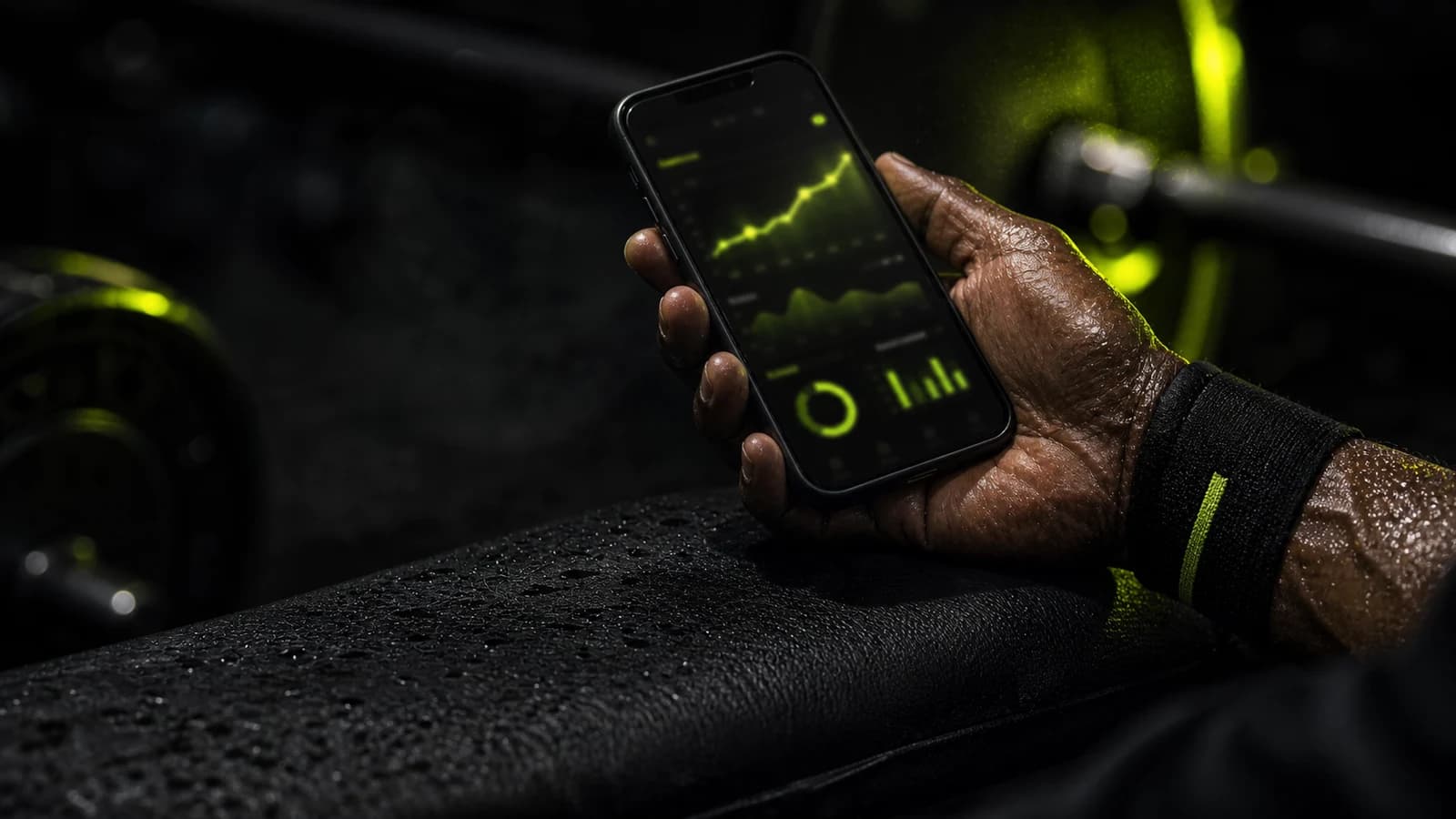
A 5x5 program's promise is a rising trend line — squat, bench, and deadlift climbing session after session. Whether that climb is actually happening across 12 weeks isn't something a raw log shows at a glance. GainLogger's per-exercise progress charts display your estimated 1RM trend for every movement, across any time window you choose.
Open any exercise and you see a chart: estimated 1RM over time, best sets, volume per session. For the three core 5x5 lifts, this gives you a running picture of real strength development rather than a list of numbers you have to interpret yourself. A flat squat trend over three weeks is the right prompt to review load selection, recovery, or sleep before a stall becomes a full plateau.
The workout analytics dashboard adds a volume layer: weekly training load by muscle group and intensity trends across sessions. If your push volume is climbing steadily but your horizontal pulling volume has stalled because of missed row sessions on B days, analytics surfaces that gap before it compounds into a real structural imbalance — useful on a program where balance across the big three movements is the whole point.
Log sets from your wrist between heavy sets
Rest periods between 5x5 sets on squat and deadlift typically run 3 to 5 minutes. GainLogger runs a native companion app on both Apple Watch and Wear OS, so you can log completed sets and weights directly from your wrist — keeping your phone in your bag during the entire session.
The watch companion mirrors your active session in real time. After finishing a set, tap the screen to mark reps complete, adjust weight if needed, and start the rest timer. When the timer counts down, your next set's target weight is already displayed. iPhone users get the Apple Watch companion; Android users get Wear OS. Both platforms run the complete session-logging flow — reps, weight, rest timer — not a stripped-down display. For a 5x5 session where six to nine heavy sets across two exercises can fill 45 minutes, logging everything without picking up your phone is a real improvement to focus and pacing.
Free core logging — and what Pro adds
Most 5x5 programs run on two alternating templates with three to five exercises each. GainLogger's free tier covers that logging workflow at no cost: unlimited set and rep entry, up to 3 workout templates (enough for an A day, B day, and an accessory session), basic progress history, and community template browsing to find pre-built 5x5 programs without building from scratch.
The features that make 5x5 tracking genuinely powerful are Pro. Here's how the tiers compare:
| Feature | Free | Pro |
|---|---|---|
| Workout logging | Yes | Yes |
| Up to 3 templates | Yes | — |
| Unlimited templates and history | — | Yes |
| Basic progress history | Yes | Yes |
| Community template browsing | Yes | Yes |
| Apple Watch / Wear OS logging | Yes | Yes |
| Automatic progression rules | — | Yes |
| Auto PR detection and milestones | — | Yes |
| Per-exercise progress charts | — | Yes |
| Workout analytics | — | Yes |
Pro is available on annual or monthly billing, and the annual plan includes a 14-day free trial. See the current free and Pro plans before deciding.
Who is GainLogger best for?
5x5 attracts a specific kind of lifter: someone who wants a structured, measurable protocol where every session has a precise target and the goal is clear. GainLogger delivers the most value to 5x5 athletes who want the app to handle the logic layer — progression, PR tracking, trend visualization — rather than treating it as a passive log they then have to analyze themselves.
- First-time linear progression lifters who want automatic weight increments every session without maintaining a spreadsheet alongside the program
- Intermediate lifters returning to 5x5 after a training break, who need PR comparison across rep ranges to gauge where their current numbers stand relative to previous bests
- Gym-floor lifters with a smartwatch — Apple Watch or Wear OS — who want to log sets between heavy sets without pulling out their phone
- Data-driven strength athletes who want a 12-week estimated 1RM trend for each of the big three lifts to confirm the program is producing the gains it should
Frequently asked questions
Does GainLogger automatically progress weights for 5x5?
Yes — automatic progression rules let you define a success condition (all 5 sets of 5 reps completed) and an increment (typically 2.5 kg for upper-body lifts, 5 kg for squat and deadlift). GainLogger writes the new working weight into the next session automatically after a successful session. Progression rules are a Pro feature.
Can I use GainLogger for free on a 5x5 program?
Yes. The free tier includes workout logging and up to 3 templates, which handles a standard A/B day 5x5 structure with one template to spare. Automatic progression rules, PR detection, and per-exercise progress charts require Pro, which includes a 14-day free trial on the annual plan. Current pricing is on the free and Pro plans page.
Does GainLogger track PRs automatically on 5x5?
Yes — every time a logged set beats your previous best in a rep range, GainLogger's auto PR detection and milestones fires automatically and records the achievement. It covers 1-rep, 3-rep, 5-rep, and higher rep bests, so 5x5 athletes have their 5RM records updated session by session without any manual input. This is a Pro feature.
Does GainLogger work on Apple Watch and Android?
GainLogger includes a native companion app for both Apple Watch (iPhone users) and Wear OS (Android users). The watch app lets you log sets, manage rest timers, and complete a full session from your wrist on either platform — no phone interaction required between sets.
Bottom line
For anyone searching for the best app for 5x5 workout tracking, GainLogger is built for exactly this use case: automatic progression rules that bump your working weight each session, auto PR detection that records every new strength best, and progress charts that show the squat and deadlift trend over months rather than just a raw session log. Start the free and Pro plans 14-day trial and run your next 5x5 cycle with the app managing the math.
Keep reading
- a complete 5x5 workout program guide
- How GainLogger for powerlifters tracks volume and PRs
- Is GainLogger free? We break the plan down
Last updated July 2026.
Start tracking your workouts today
Available for free on iOS and Android.