Starting strength training is exciting — and overwhelming. You're not sure what to log, which weight to use, or whether you're actually making progress. GainLogger is the best strength training app for beginners because it solves all three: free core logging gets you tracking on day one, and built-in tools tell you exactly when and how to get stronger.
What to look for in the best strength training app for beginners
Beginners need five things in a tracking app: low-friction logging, exercise demonstrations, automatic weight progression guidance, visible progress over time, and access to structured program templates. Without all five, most beginners log inconsistently, plateau early, or quit before compound lifts start to feel challenging.
- Zero-friction logging — if recording a set takes more than a few taps, you'll skip it.
- Exercise demonstrations — form matters most in the first six months; the app should show you exactly how to move.
- Automatic progression guidance — you should not have to guess when to add weight.
- Progress charts — seeing your squat number climb week over week is the strongest motivation to keep showing up.
- Structured program templates — a proven push/pull/legs or full-body plan beats random session selection every time.
GainLogger addresses all five. Here is how.
Simple, friction-free logging built around how beginners train
A beginner program needs at most three templates — a push session, a pull session, and legs — which is exactly the free tier limit in GainLogger. No credit card required, no trial that expires: full workout logging, up to 3 saved templates, and community template browsing are yours from day one at no cost.
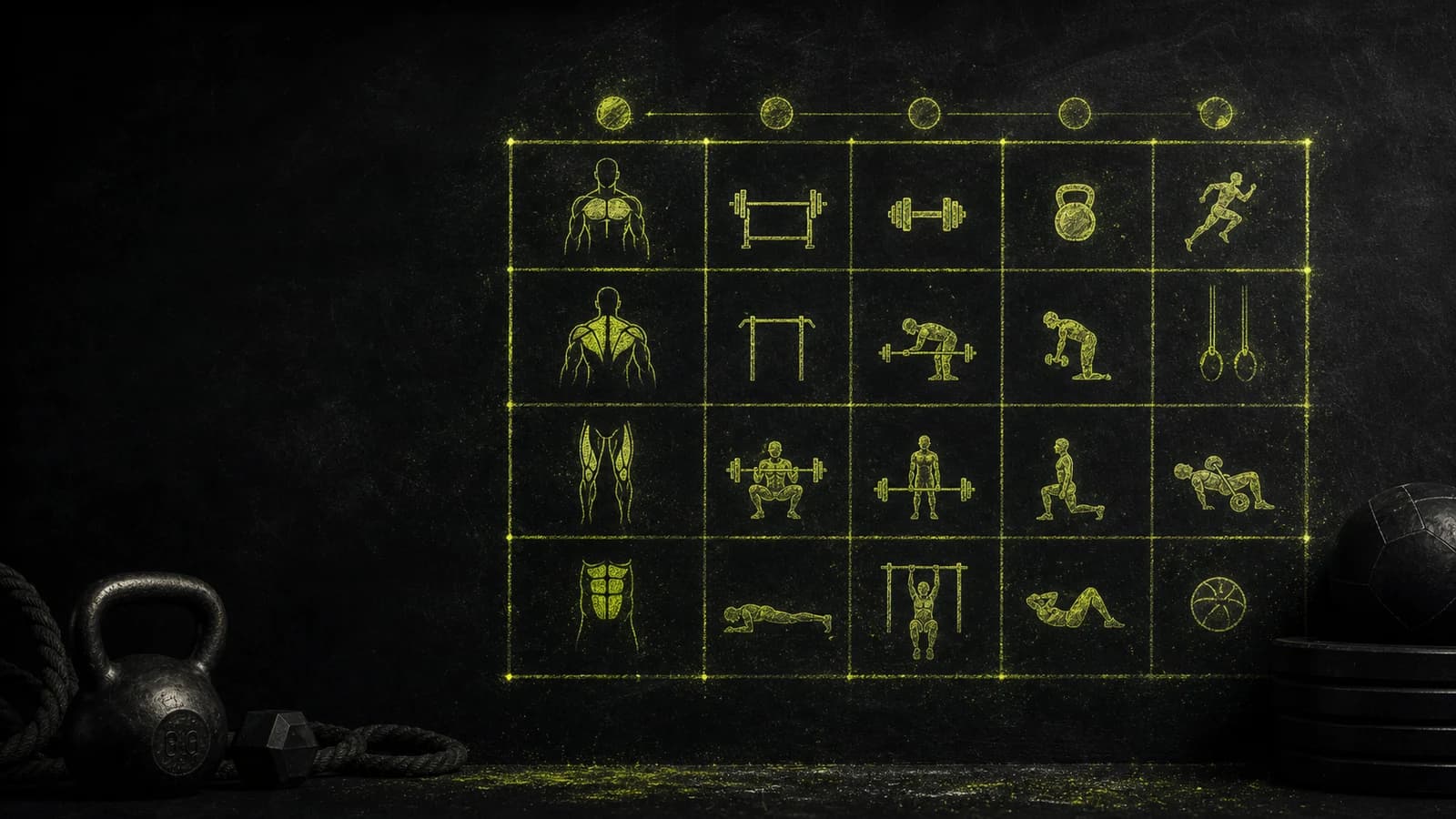
Workout bundles let you group those templates into an organized weekly plan, so you always know whether today is push day or pull day. That structure matters most in the early months, when the habit of showing up consistently counts more than any single session.
GainLogger runs on iOS and Android with full feature parity, so it works on whatever phone you already own. Native companion apps for Apple Watch and Wear OS let you log sets and rest timers directly from your wrist — no fumbling with your phone between exercises.
Automatic progression rules that take the guesswork out of adding weight
Linear progression — adding a small fixed amount of weight each session — is the fastest strength-building method for beginners, but most people either add weight randomly or forget to track their last working load at all. GainLogger's automatic progression rules eliminate that variable entirely: set a rule once and the app updates your targets before every session.
The setup is simple. Pick a starting weight, define the rule — for example, "add 2.5 kg to the squat whenever I complete all five sets" — and GainLogger updates your next session's target automatically when those conditions are met. You show up, open the app, and your target is already there. No spreadsheet math, no second-guessing, no mental overhead between sessions.
This is a Pro feature. The 14-day free trial gives you full access to test it — no payment required before the trial ends.
Progress charts that prove you are getting stronger
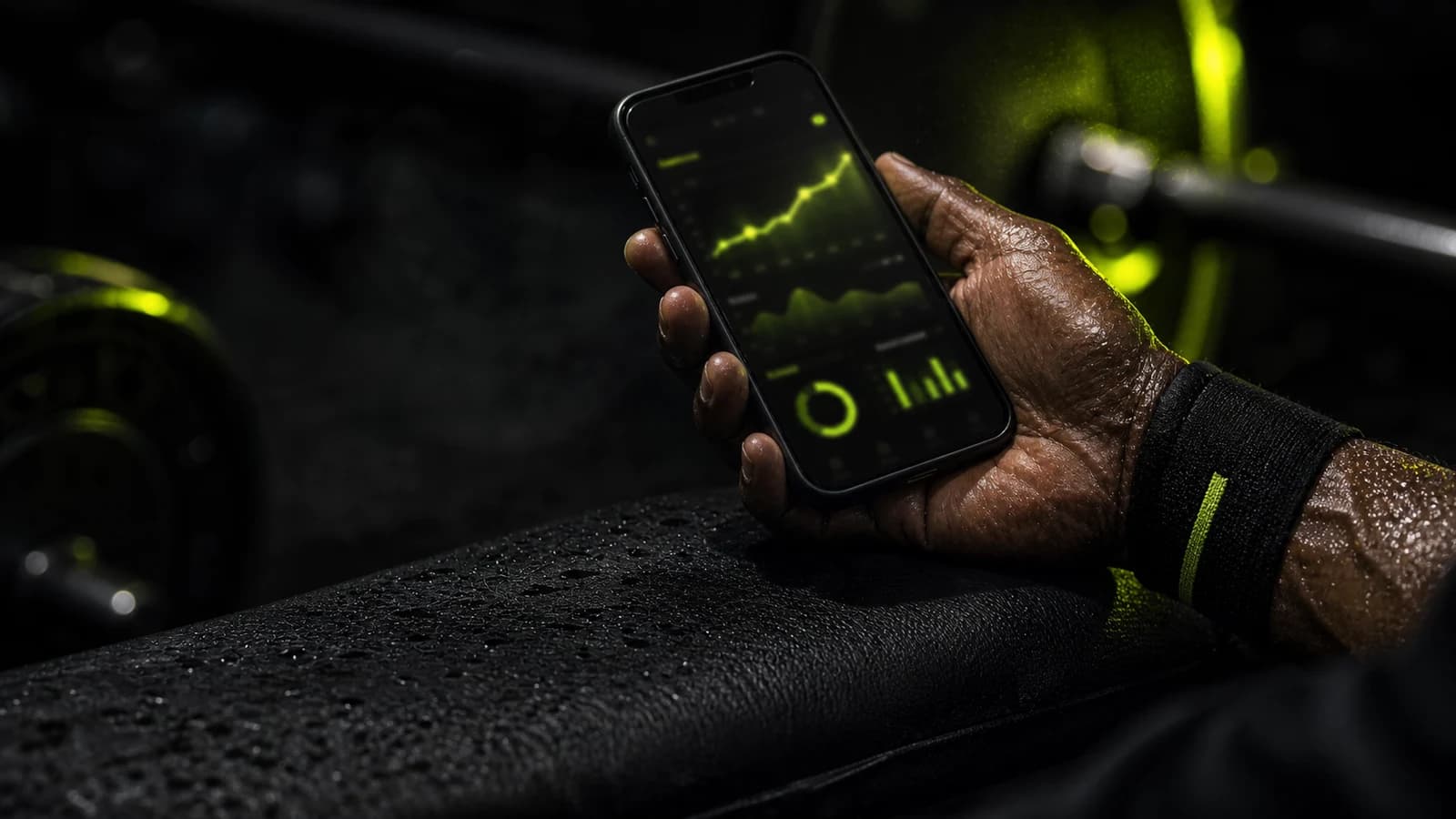
Most beginners quit in the first eight to twelve weeks — before compound lifts have time to feel meaningfully heavy. The single best way to prevent that dropout is making improvement visible. GainLogger's per-exercise progress charts plot your top set, estimated one-rep max, and total session volume for every lift in your program, turning invisible adaptation into a line you can actually see move.
Open the squat chart after eight consistent weeks and there is a clear upward trend. That is harder to walk away from than any motivational post.
GainLogger's auto PR detection and milestones fires the moment you set a new personal record on any exercise. Beginners hit PRs almost every session in the first few months — each milestone notification turns what might feel like a routine training day into a concrete achievement. Both features are Pro-only, and they are what separate a casual tracker from a real training partner.
Free core logging — and what Pro adds
GainLogger's free tier is $0 forever with no credit card required — full workout logging, saved templates, and community template browsing from day one, with no expiry date on the free plan. Pro adds the tools that keep beginners advancing past the first few months.
| Feature | Free | Pro |
|---|---|---|
| Workout logging | Yes | Yes |
| Saved templates | Up to 3 | Unlimited |
| Custom exercises | Up to 3 | Unlimited |
| Workout bundle | 1 | Unlimited |
| Community template browsing | Yes | Yes |
| Apple Watch + Wear OS | Yes | Yes |
| Per-exercise progress charts | — | Yes |
| Automatic progression rules | — | Yes |
| Auto PR detection + milestones | — | Yes |
| HD exercise demo videos | Thumbnail | Full video |
Pro is available on annual or monthly billing. Annual subscribers start with a 14-day free trial — no payment required upfront. See current pricing on the free and Pro plans page.
Who is GainLogger best for?
GainLogger fits four types of beginners — complete starters who want free logging with zero commitment, structured-program runners who need template and bundle organization, intermediate beginners ready for automatic progression and progress charts, and wearable users logging from Apple Watch or Wear OS.
- Day-one beginners who want to start logging today with $0 upfront and no credit card.
- 3-day program runners (push/pull/legs, full-body) who need up to 3 templates organized into a weekly bundle.
- Intermediate beginners (3–6 months in) ready to use automatic progression rules and progress charts to keep advancing past their first plateau.
- Wearable users who want to log reps from an Apple Watch or Wear OS device during sets.
Frequently asked questions
Is GainLogger free for beginners?
Yes. GainLogger's free tier costs $0 forever with no credit card required. You get full workout logging, up to 3 saved templates, 1 workout bundle, and community template browsing — more than enough to run a complete beginner program indefinitely. Pro — annual or monthly billing, see pricing — adds progress charts, progression rules, PR detection, and unlimited everything.
How does GainLogger help beginners know when to add weight?
GainLogger's automatic progression rules handle this automatically after your first session. You pick a starting weight, log your sets, and the app calculates the next session's target based on your rule — for example, adding 2.5 kg whenever you complete all working sets. No spreadsheet, no manual math, no second-guessing required.
Can I use GainLogger without subscribing to Pro?
Yes. The free tier never expires and requires no payment information. You can log workouts, save up to 3 templates, and browse community templates indefinitely. Pro unlocks progress charts, progression rules, auto PR detection, and unlimited storage. Explore GainLogger's full feature set to see everything included in both plans.
Does GainLogger work on Android as well as iPhone?
GainLogger runs on both iOS and Android with identical features — no functionality is exclusive to one platform. Native companion apps are available for Apple Watch and Wear OS, so you can log sets and check rest timers from your wrist on either ecosystem.
Bottom line
For beginners who want the best strength training app from day one, GainLogger's free tier removes every excuse not to start, and Pro's auto PR detection and milestones, automatic progression rules, and per-exercise charts give you a clear, data-backed path from your first logged session to your first year of consistent gains. Download free, run the 14-day trial, and watch the numbers move.
Keep reading
- how to track progressive overload as a beginner
- Is GainLogger free? Here's the real answer
- our complete GainLogger review
Last updated July 2026.
Start tracking your workouts today
Available for free on iOS and Android.