The fastest answer: a progressive overload tracker is a workout log that shows you — set by set, right in the gym — exactly what you lifted last session. When that number is on your screen, adding weight or squeezing out one more rep stops being a guess and becomes a target.
That is how to track progressive overload. Everything below is how to make it work in practice.
What Progressive Overload Actually Is
Progressive overload means doing slightly more over time — more weight, more reps, more sets, or shorter rest. Your muscles adapt to stress. Give them the same stress every week and adaptation stalls. Add 2.5 kg or one extra rep and they are forced to grow.
The principle is simple. The execution is where most lifters fall down — not because the concept is hard, but because they forget what they did last session.
The "What Did I Lift Last Time?" Problem
Picture it: you walk up to the squat rack. Did you do 100 kg × 5 on Tuesday, or was it 102.5 kg × 4? Your training partner shrugs. You guess, play it safe, and leave gains on the platform.
This friction kills progressive overload in practice. Without a precise record — weight, reps, set number — you are flying blind. Guessing conservatively means conservative progress.
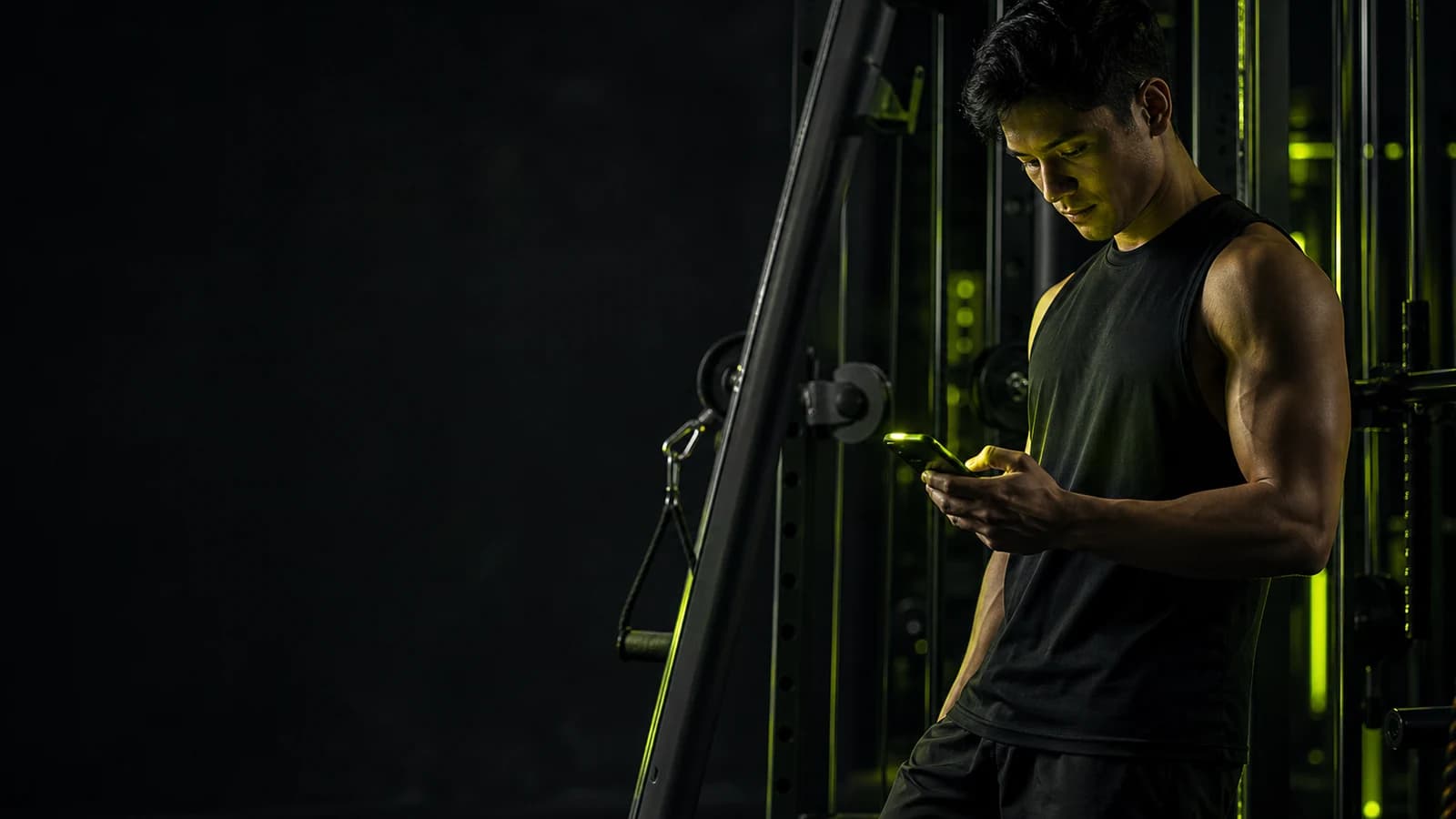
The fix is a gym log that surfaces your previous set inline, right next to the field where you type today's number. No digging through notes. No mental math. Just last session's number staring at you, asking to be beaten.
What a Good Progressive Overload Tracker Shows You
Not every app does this well. Here is what to look for:
Previous weight × reps, per set, visible in-session. Not buried two taps away — right there next to the input. So when you are about to log Set 2 of Romanian deadlifts, you see you got 90 kg × 7 last week and immediately know to go for 90 × 8 today.
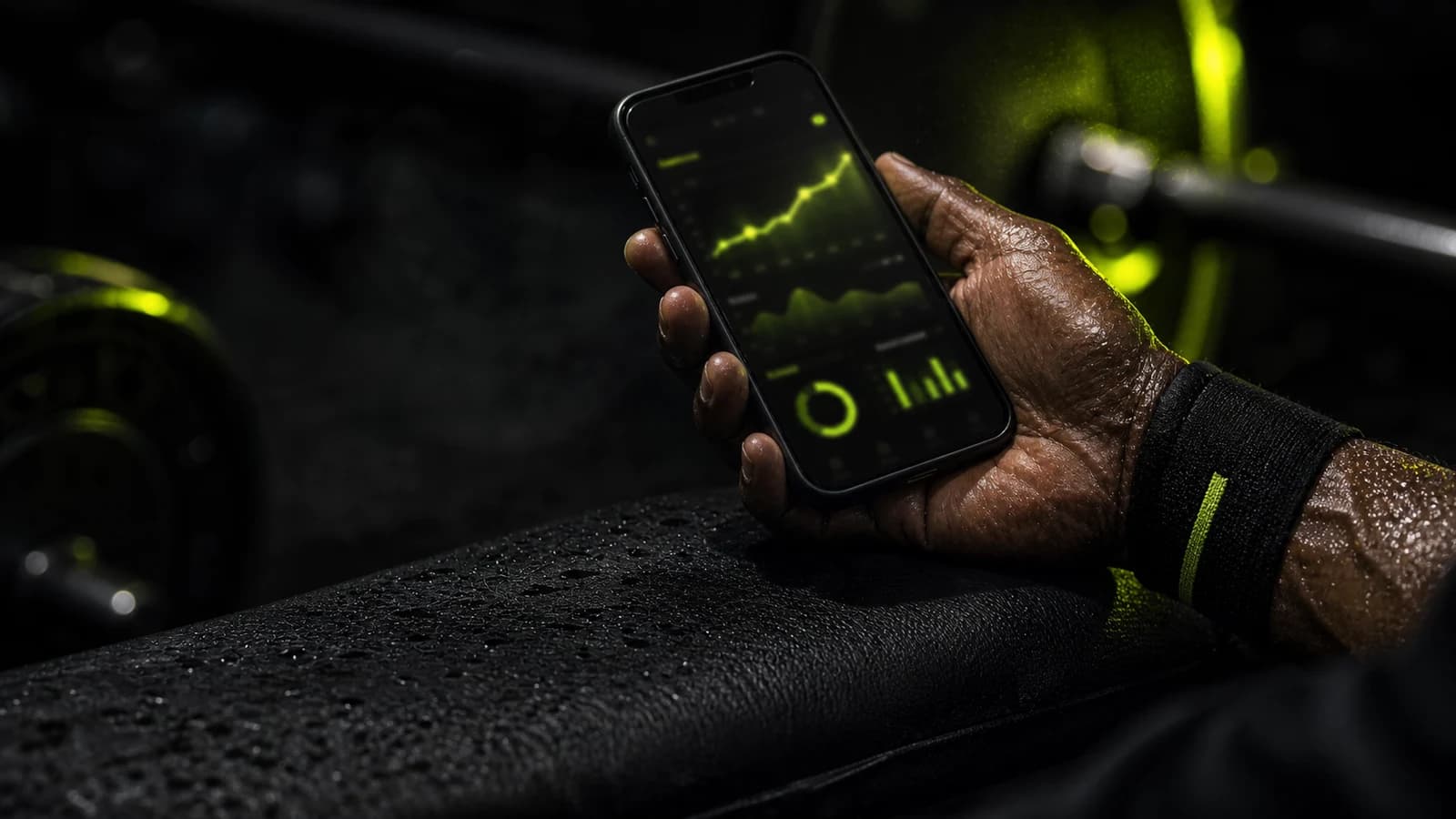
Per-exercise progress charts. A line climbing up and to the right is the most motivating graphic in the gym. After six weeks of logging, you can see your bench press travel from 70 kg to 82.5 kg. That visual proof — concrete, undeniable — is what keeps you coming back.
Instant PR alerts. When you beat your previous best, you should know immediately. A personal record notification mid-session hits harder than any pre-workout.
Templates you can create and share. Build a push/pull/legs routine once, log against it every week, and share it with a training partner or the community. Your history stacks up cleanly behind the same template, making week-over-week comparison effortless.
GainLogger does all of this. Core workout logging is completely free — no subscription needed to see what you lifted last week and no paywall on your own progress data.
Track These Numbers Every Session
You do not need an elaborate system. For a strength training log, record:
- Exercise name — be consistent; "Bench Press (Barbell)" and "Flat Bench" are different histories
- Sets × reps × weight — the three numbers that define progressive overload
- Rest time — useful for volume blocks and hypertrophy phases
- Notes or RPE — flag a tough set, a form cue, or a failure set when it matters
Start there. A few months of clean data will tell you more about your strength than any program spreadsheet.
Streaks and Milestones: Why Consistency Is the Real Driver
Progressive overload compounds. A 2.5 kg increase on your squat every two weeks is 30 kg gained in six months — but only if you show up consistently and keep logging.
This is where gamification earns its place. A workout streak is not a gimmick. It is a daily reminder that the compound effect is running and that breaking the chain costs you. GainLogger tracks your streak, fires milestone alerts at 10, 25, and 50 sessions, and logs every PR automatically so you can scroll back through your strength history anytime.
The streak you won't want to break.
Apple Watch + Wear OS: Log Without Touching Your Phone
Waiting between sets is when people stop logging. You set your phone down, the rest timer runs out, and you just start the next set without recording the last one. Three sessions later your history has gaps.
The fix: log from your wrist. GainLogger runs natively on Apple Watch and Wear OS. Start a session, record sets with a tap, and watch the rest timer count down on screen — without unlocking your phone. The Apple Watch companion can operate independently, so you can leave your phone in your bag and still capture every set.
Log Your Strength Training the Right Way
Serious strength training only pays off with a good training log. GainLogger shows you exactly what you lifted last time — set by set — the moment you start an exercise. No guessing, no scribbled notes. Just your numbers, clear and comparable, so every session builds on the last. And core logging is completely free.
Start Using a Progressive Overload Tracker Today
The strongest people in any gym are not following the most complex program. They are the ones who have been showing up, beating last week's numbers, and logging every session for years.
A progressive overload tracker makes that process frictionless. You walk in knowing exactly what to beat. You log it in seconds. You watch your strength chart climb.
Download GainLogger free on iOS and Android — build your first template, log your first session, and see your previous numbers inline from rep one.
Watch your numbers climb.
Keep reading
Start tracking your workouts today
Available for free on iOS and Android.